
Neuralink for people who didn't marry their high school sweetheart

You had brain surgery to type 'Hey.'

Maybe connects a brain implant to your computer so you can move the cursor and type by thought. Train on your high school sweetheart's yearbook photo, rehearse a casual greeting, then inspect the person they married on your living-room television.

A fictional implant. A very deliberate greeting.
Maybe companion / Cursor trainingLiving room package preview
Implant connected

Computer control active
Output: Laptop

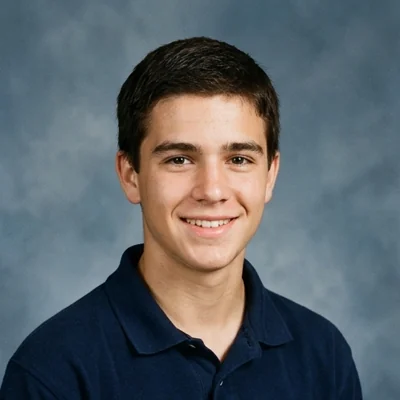
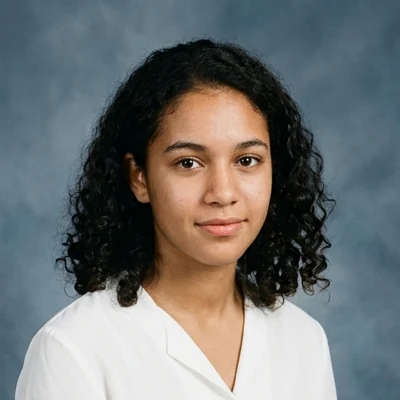
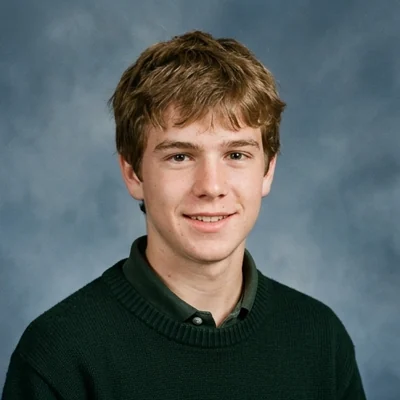
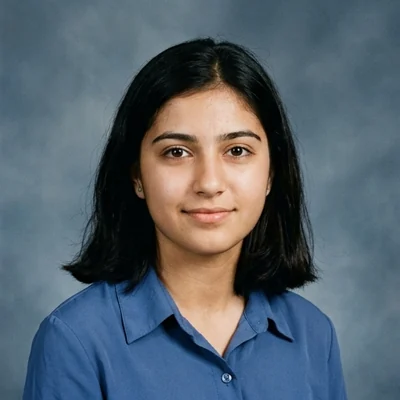
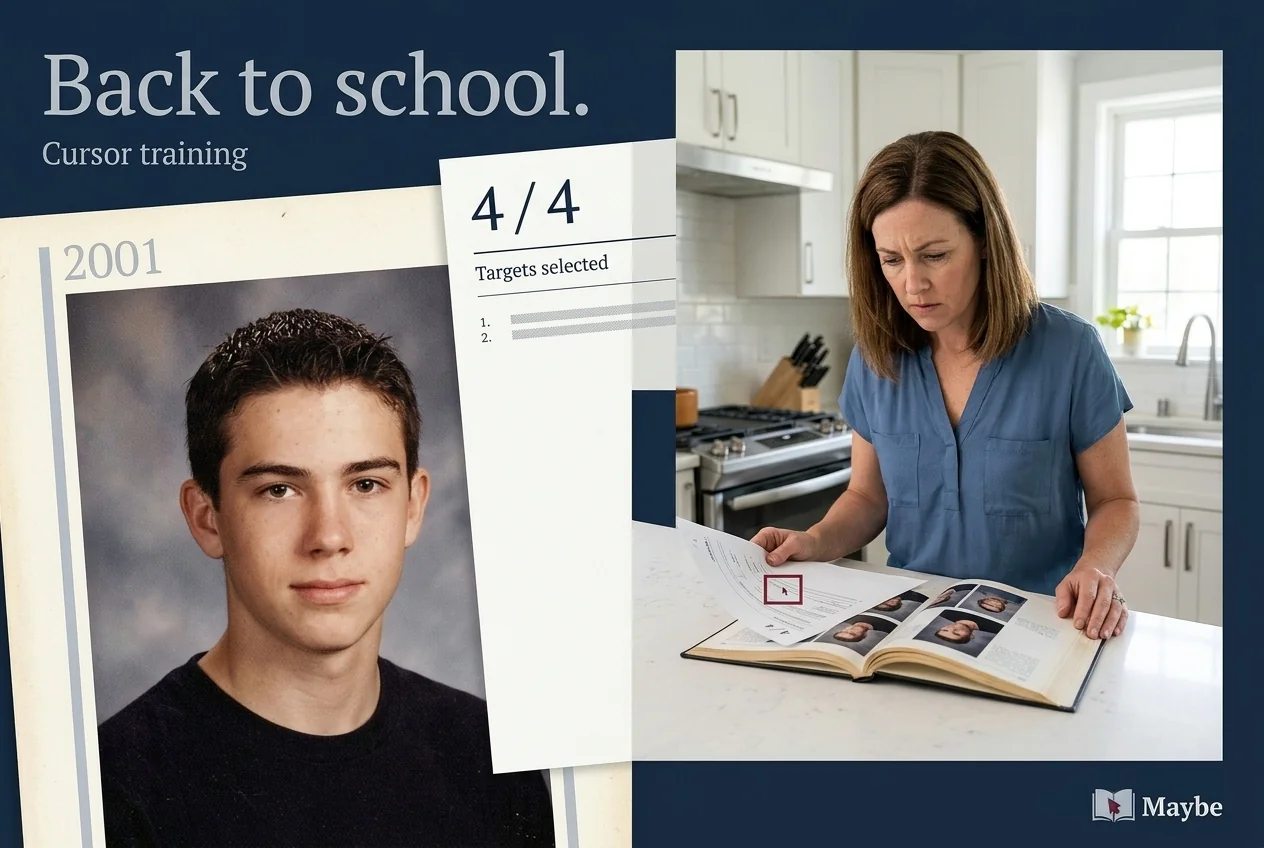
Select Sam’s yearbook portrait.

Class of 2001. You have had some practice.

Sample session report
4 / 4

Targets selected correctly.
Send this one home.

Start your own session →

Simulated brain-interface software. Operate the demo with a mouse, touch or keyboard. All people and data are fictional.

Twenty-five years.
Three deliberate actions.

A connected implant, practiced commands and computer output. The hardware has moved on since school.

Train on a familiar face.

Set their yearbook portrait as the target for your cursor exercises. Each successful selection goes into a weekly progress report. At 43, you're receiving marks for looking at someone you couldn't speak to at 17.

Open cursor training
Make it sound casual.

Use the thought-controlled keyboard to compose a greeting, then rehearse it without sending. Your session report records 184 edits to 'Hey.' You describe the message as spontaneous.

Open message practice

Use a bigger screen.

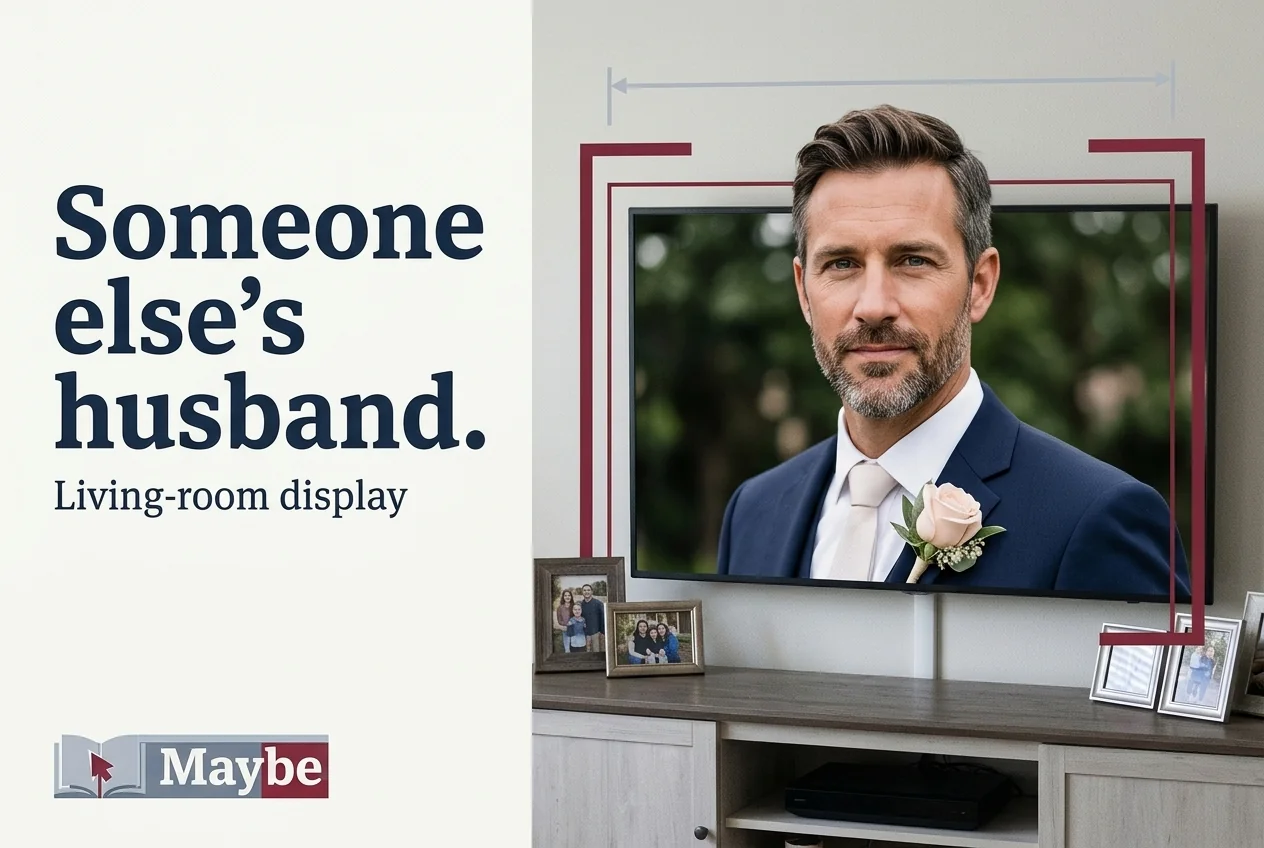
Pair the implant with your television and use the cursor to enlarge their wedding photo. You wanted a better look at the person they married. You've given a stranger a sixty-five-inch portrait in your living room.

Open display pairing

A progress report.
For looking at Sam.

Four targets selected. A perfect report. The person in the yearbook has had a mortgage for nineteen years.

Cursor training turns an intentional command into a visible computer selection. The demo keeps a live count of correct selections and attempts.

Designed Maybe yearbook collage: a middle-aged woman studies a yearbook beside a printed report with four out of four targets selected.
A sample training report: 4 of 4 targets selected. A little more formal than looking them up.

Three letters.
Several evenings.

Start with “Hey” on the onscreen keyboard. Practice keeps the message on your computer and records the effort that went into appearing to make none.

Open message practice

Saved draft / Alex Bennett
Hey
184 historical editsMessages sent: 0
Maybe campaign composition: an unfamiliar wedding groom fills the family television above much smaller family photographs. The headline reads Someone else’s husband.
Display pairing routes the same wedding photograph to a larger screen. Their spouse gets the wall. Your family gets questions.

It started with
a better look.

Choose the living-room TV, then enlarge the person they married. Return to television with one button when someone walks in.

The demo changes the output device, photo crop and session report together. No actual television is paired.

People from your year.

“I sent Mum my first perfect cursor-training report. She asked whether I was finally going to ask Sam to the dance. The dance was in 2001.”
Helen MorrisClass of 2001; reunion committee volunteer
“I spent four evenings composing 'Hey.' They replied, 'Which Alex?' I used the next session to type my surname.”
Alex BennettClass of 2000; occasional alumni-group reader
“I enlarged her husband's wedding photo to check his watch. My daughter thought he was a relative she'd never met. We had to explain why Dad knew his marathon time.”
Daniel PriceClass of 1999; father of two

How far are you
taking this?

One-time fictional packages. Each includes the previous level of commitment.

Cursor

$18,000 once

Begin with supervised staring.

  • One implant and initial setup
  • Connection to one computer
  • Cursor exercises using your chosen yearbook portrait
  • Weekly accuracy reports you can print for your parents
Preview Cursor

Keyboard

$22,000 once

Give three letters several evenings.

  • Everything in Cursor
  • Thought-controlled onscreen keyboard
  • Saved message drafts and practice mode
  • Edit history documenting how little effort you made
Preview Keyboard

Living room

$27,000 once

Meet the person they married. At full size.

  • Everything in Keyboard
  • Pairing with a compatible television
  • Thought-controlled photo selection and zoom
  • One-button return to television when someone asks who that is
Preview Living room

Package links open a simulation of that package’s features. No purchase, medical procedure or device connection occurs.

You could start with the cursor.

Sam is still in the second row. The session report is new.

Try a practice session