
Products / Edit product
List a spare
Local demo. No real shop or purchase.
Try it: Add a product option, choose Logo size, then keep one of each variant. Watch the available stock disappear.
Enter a product title before publishing.
Green miniature diesel locomotive on display track. OO scale (1:76). Two models in the collection; one is already reserved for the owner.
Product photographs
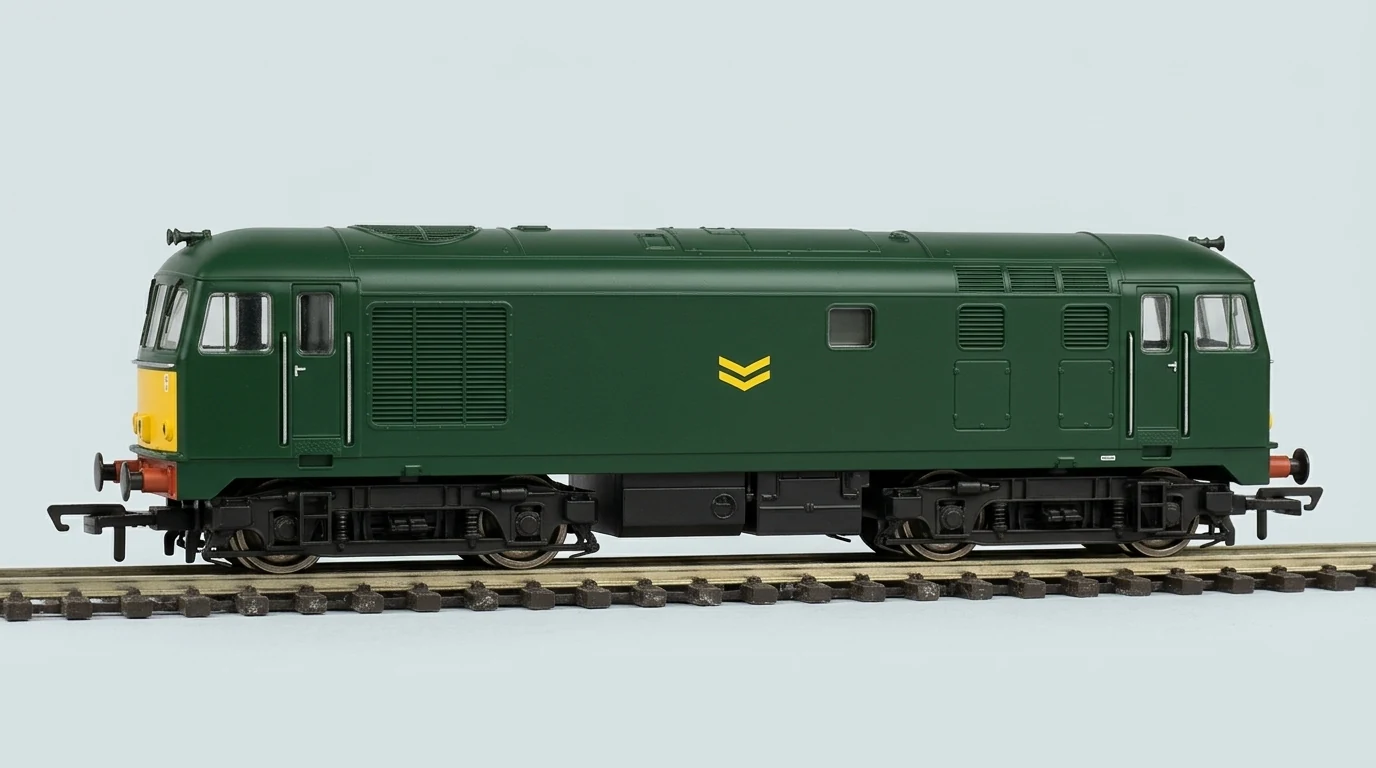
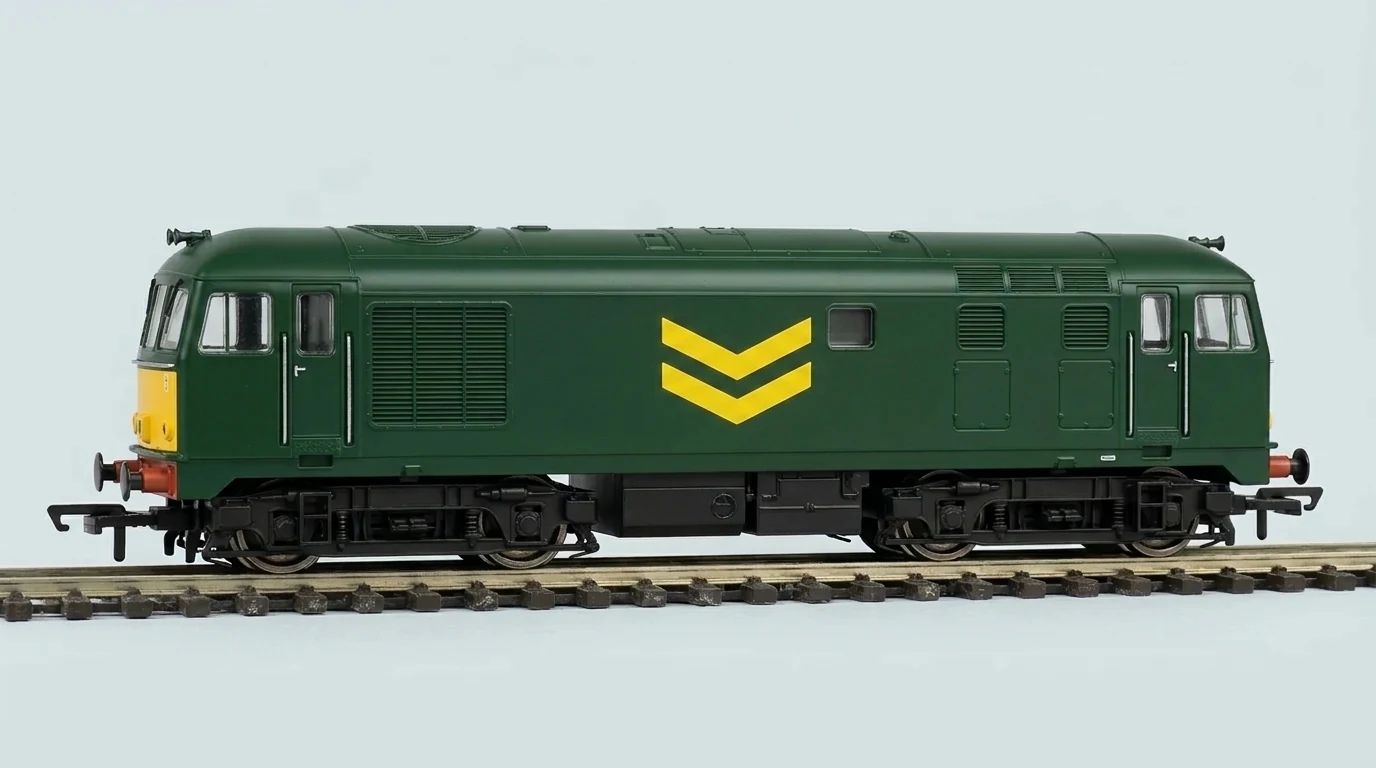
Look at the yellow side logos. Everything was a duplicate before you looked.
Product options
Both models share one stock record. No options added.
Logo size
Small: Model A. Large: Model B.
Inventory
- Physical stock
- 2
- Personal reserve
- 1
- Available to buy
- 1
- Shared stock record
- 2 held / 1 for sale
One spare is available to customers.
How this inventory demo works
- You own two locomotives. Model A is already in your personal reserve, leaving one available to buy.
- Add Logo size as a product option and assign Small to Model A, Large to Model B.
- Select Keep one of each variant. Physical stock stays at two, personal reserve becomes two, and available stock becomes zero.
- Publish product to publish that state. Uncheck the reserve setting and publish again to make the large-logo model available.
The cart is a preview and never takes payment. Reset demo restores the original two models and clears publication.
Siding, from the worst AI studio ever. Read the pitch.